What we capture

Everything ContactGleaner captures, field by field

ContactGleaner reads the signatures across your inbox and its folders, sent mail, and meeting invites and builds a complete, structured contact — not just an email address. Here's exactly what it pulls.

First-party only · straight from your mailbox · nothing bought or enriched
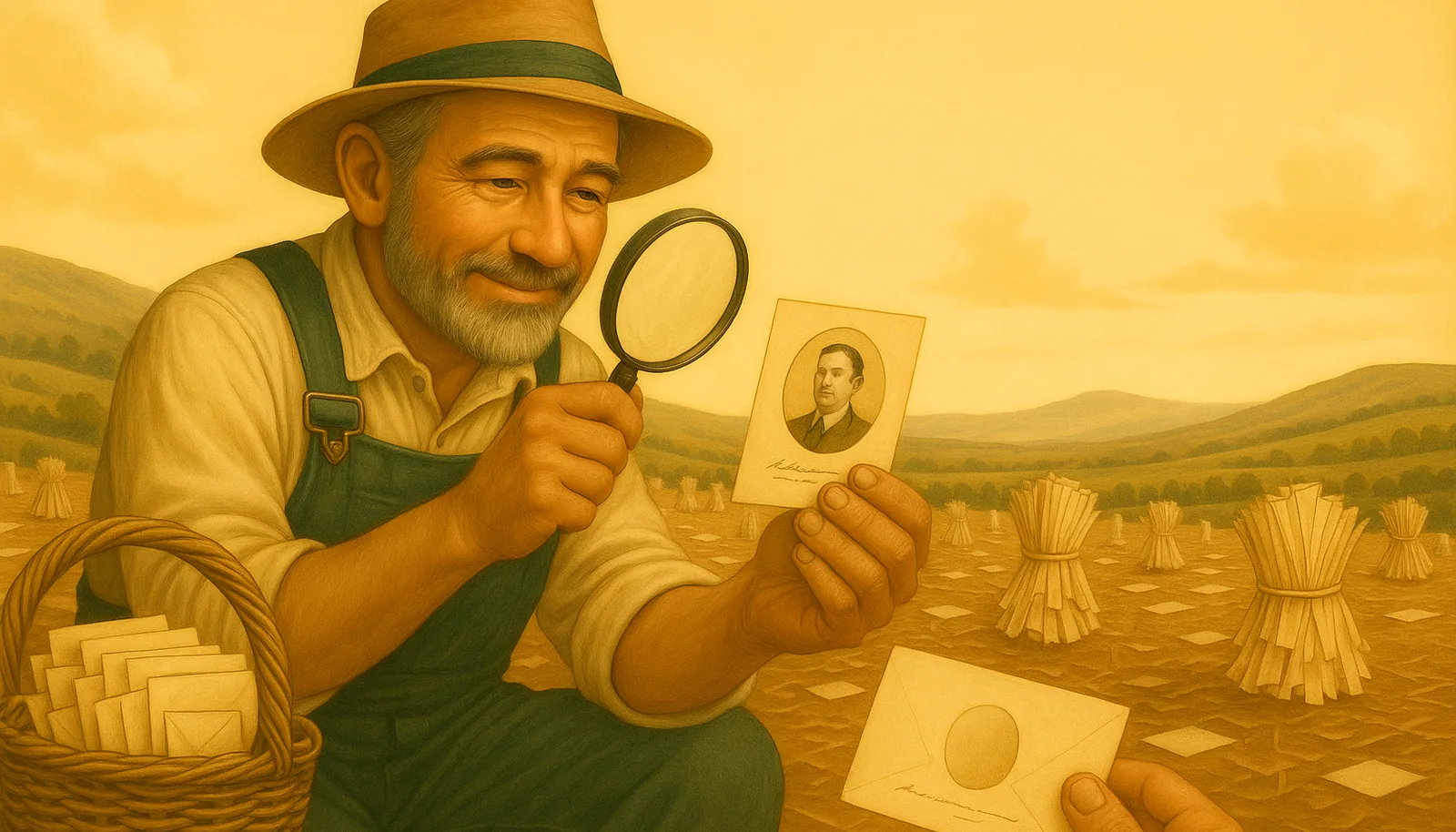
A gleaner studying a contact card through a magnifying loupe in a golden field

Name, done properly

Real signatures are messy. ContactGleaner separates a display name into its real parts so your address book stays clean and searchable.

Full name
First and last name, normalized from the signature.
Preferred name / nickname
The name people actually go by — pulled from quotes or parentheses, e.g. William “Bill” Carter or Anthony (Tony) Ruiz.
Generational suffix
Jr., Sr., II, III, IV, V — kept with the record instead of mangling the last name.

Professional credentials & post-nominals

The letters after a name carry real signal — who's a CPA, who's a PE, who's an attorney. ContactGleaner recognizes a broad library of credentials across fields and keeps them with the contact instead of dropping them.

Academic degreesPhD, EdD, JD, LLM, MD, DO, DDS, PharmD, MBA, MPH, MS, MA, BS, MEng
LegalEsq., Attorney at Law, Of Counsel
Medical & nursingFACP, FACS, RN, BSN, MSN, DNP, NP, CRNA, PA-C, DPT, LCSW
Engineering & architecturePE, SE, EIT, RCDD, NICET, AIA, NCARB, LEED AP, PMP
Finance & accountingCPA, CMA, CIA, CFE, CFA, CFP, ChFC, CLU, FRM
IT, security & projectCISSP, CISM, CISA, CEH, CCNA, CCNP, CCIE, PMP, CSM, PSM
HR & safetySHRM-CP, SHRM-SCP, PHR, SPHR, CSP, CHMM
Real estateGRI, CRS, ABR, CIPS

Role & organization

Job title
The person's title as it appears in their signature.
Company / organization
Where they work.

Ways to reach them

Phone
Direct, office, or mobile numbers found in the signature.
Email
Their primary address, from the message itself.
Alternate email
A second address when the signature lists one.
Notes
Useful extra context that doesn't fit a standard field, kept in the contact's notes.
A gleaner winnowing — clean contact cards kept on the sieve while torn envelope scraps fall away

Built to handle real-world signatures

Signatures aren't tidy — especially in government, military, and large enterprises. ContactGleaner recognizes and cleans up rank and role designators (for example military ranks and CIV/CTR markers) so they don't get mistaken for part of someone's name. The result is a contact that reads the way you'd write it yourself.

Where it all comes from

Every field above is read from your own mailbox — your inbox and its folders, sent mail, and calendar. We also read your existing Outlook contacts, so we recognize people you already have and don't add them twice, and your Outlook working-hours setting, so scans run around your workday. ContactGleaner does not buy data, scrape the web, or run third-party enrichment lookups. Message content is processed to find the contact, then discarded; only the extracted fields are kept, and nothing is saved until you approve it. Read the privacy policy →

A gleaner composting spent envelope husks while keeping only the good contact cards